Virtual Terminal
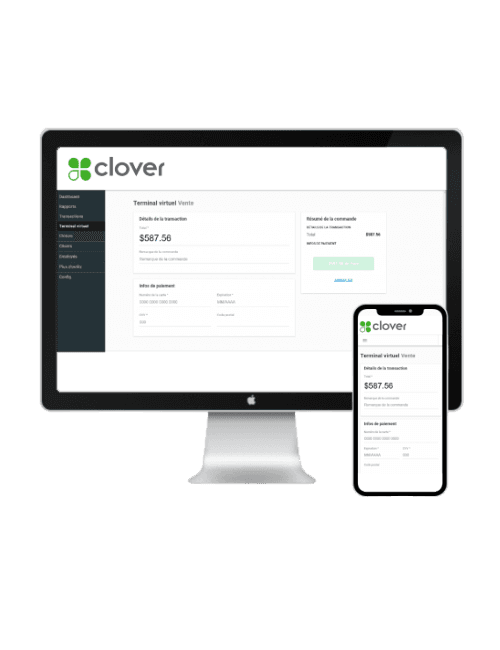
Charge a card from any browser.
Type a card into your browser, send an invoice, or charge a returning customer with a click. No extra hardware. Works on a desktop, tablet, or your phone. Same Clover dashboard you already use for in-store sales.
How It Works
Get your free quote
Tell us how you take payments today. We send back pricing and a setup plan within one business day.
We set it up
Our team activates the account, creates your login, and connects it to your existing Clover hardware if you have any.
Start charging cards
Log in from any device and start taking payments. Same secure processing, same Canadian rates.
Key Features
Phone and mail orders
Take a card over the phone, type it into the browser, the transaction posts in seconds.
Invoicing built in
Send a professional invoice with a Pay Now button. Customers pay online, you see the funds the next business day.
Stored customers
Save card details on your repeat customers (PCI compliant, tokenised). Rebill in one click, no card-on-file forms.
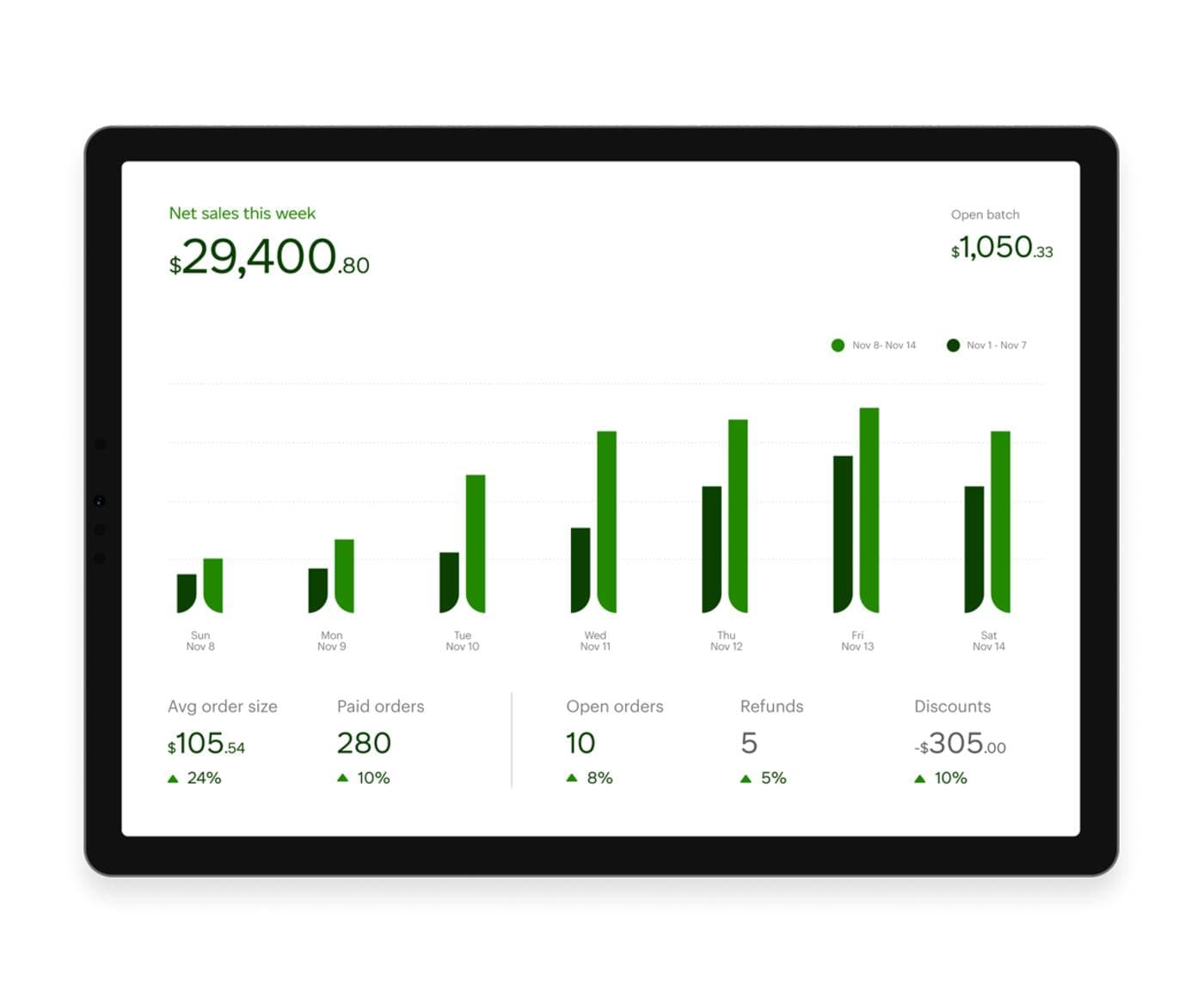
Reports that match your in-store data
All virtual terminal sales show up alongside your Clover in-store sales. One report, one deposit, one reconciliation.
Who uses this
Service businesses
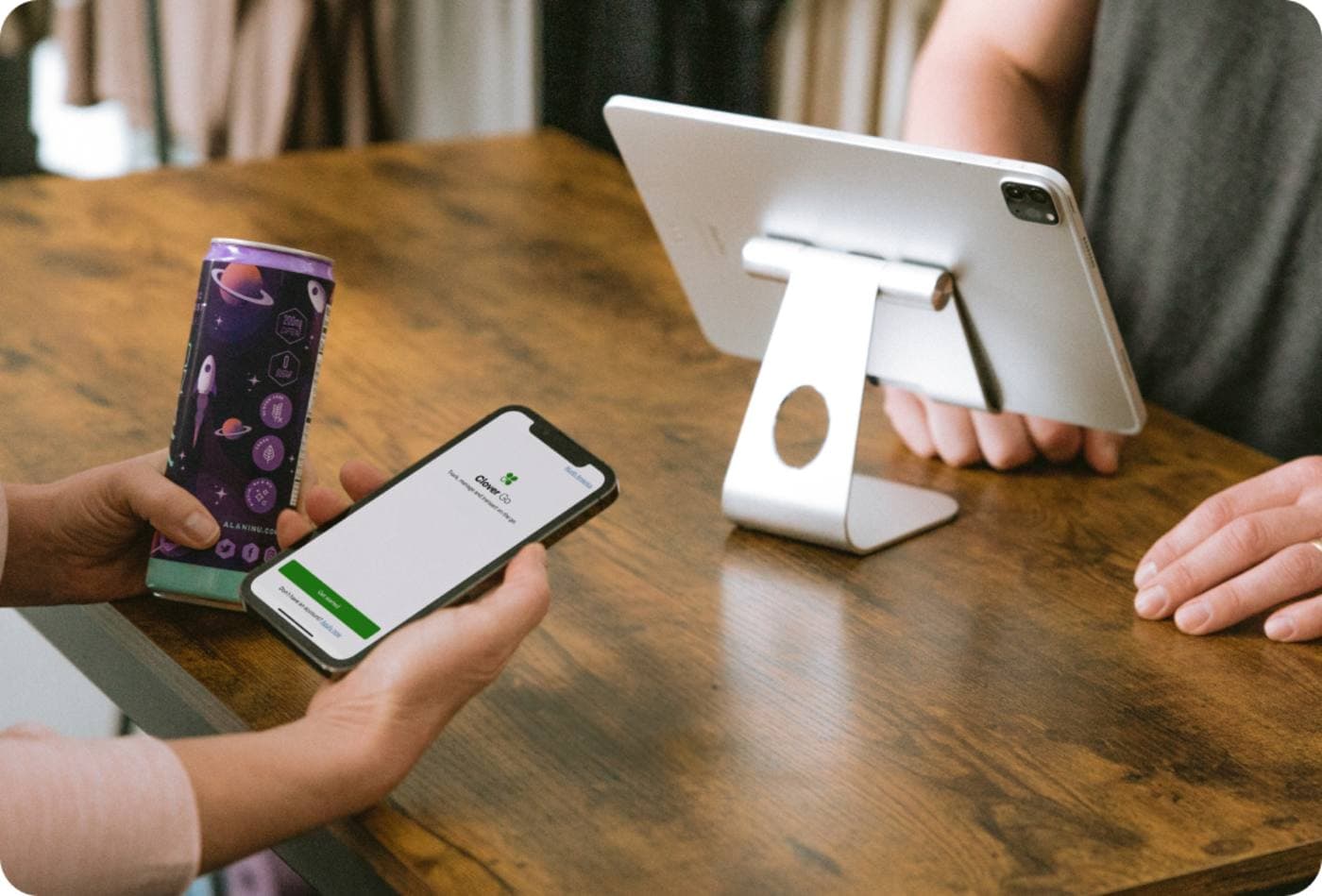
Plumbers, electricians, accountants: take a deposit over the phone before the appointment, charge the balance after the job.
Recurring billing
Gyms, subscription boxes, professional services: rebill the same card every month automatically.
Wholesale and B2B
Send invoices, accept ACH or credit, get paid faster than waiting on cheques.
Anyone without a terminal
Solo operators, pop-ups, or new businesses can take their first card today without buying hardware.
Common questions
Do I need a Clover terminal to use this?+
No. The virtual terminal works on its own from any browser. If you do have a Clover already, the two share the same account so your reporting stays in one place.
Is it PCI compliant?+
Yes. The card number is encrypted in the browser, never stored on your computer, and Clover handles all the PCI scope.
What does it cost?+
Same Canadian rates as your in-store Clover processing. No separate gateway fees, no monthly minimums. Get a quote for exact pricing for your volume.
How fast do I get the money?+
Funds deposit the next business day for transactions captured before 11 PM ET.
Can I send invoices in French?+
Yes. Invoice templates are bilingual and you pick the language per customer.
Ready to Start Saving?
Smart payment terminals at the lowest rates in Canada. Get a free personalized quote today.